Remote File Explorer
Overview
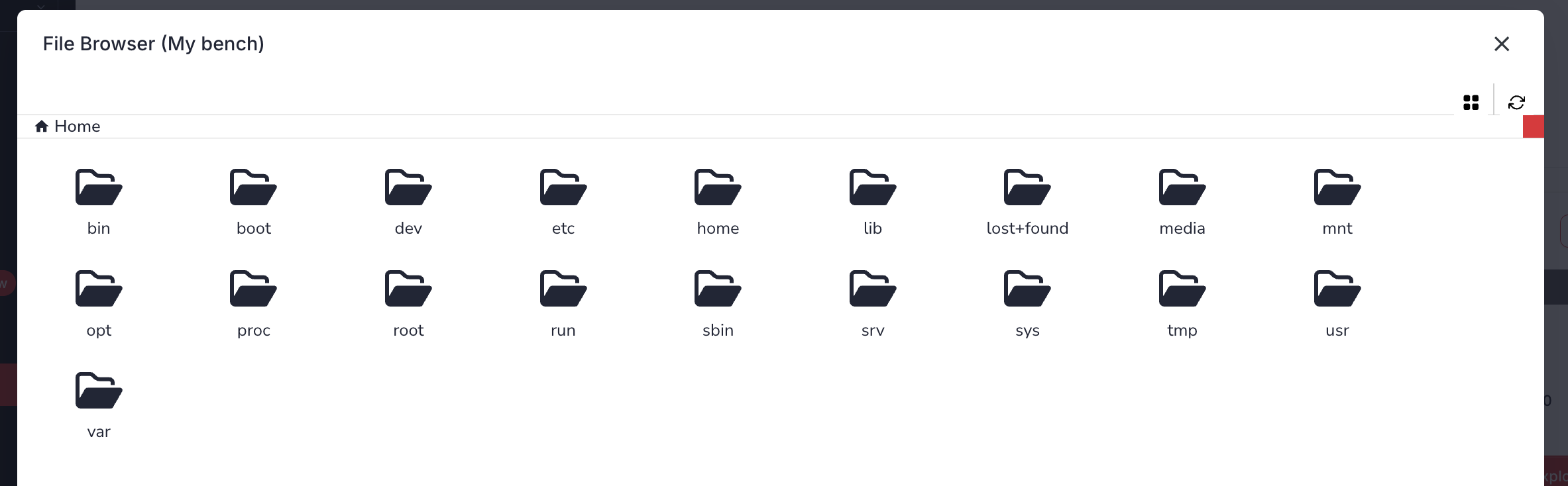
The File Explorer is a feature of VSEC Test enabling you to manage files on a Bench via the web application. From the File Explorer you can browse the file system, download files, upload files, create folders, and rename or delete items.
Guide
- Sign-in to vsec.blockharbor.io
- Navigate to Test on the sidebar menu to enter the VSEC Test application and then select the Benches submenu.
- Select the desired Bench by clicking the view icon (
), or by clicking on the row and then clicking the
File Explorerbutton.
From the File Explorer you can:
- Browse the file system using the folder rows and breadcrumb trail.
- Download a file using the download icon ( ) on its row.
- Upload files using the
Upload filebutton. - Create a folder using the
New folderbutton. - Rename or Delete an item using the icons on its row.
Last updated on